 WhatStatHD
WhatStatHD
WhatStatHD
Pengoptimal Video & Gambar untuk WhatsApp Status
Optimalkan video dan gambar ke kualitas HD untuk WhatsApp Status, tambahkan musik latar, dan bagikan media sejernih kristal. Pengoptimal WhatsApp Status terbaik untuk Android & iOS!
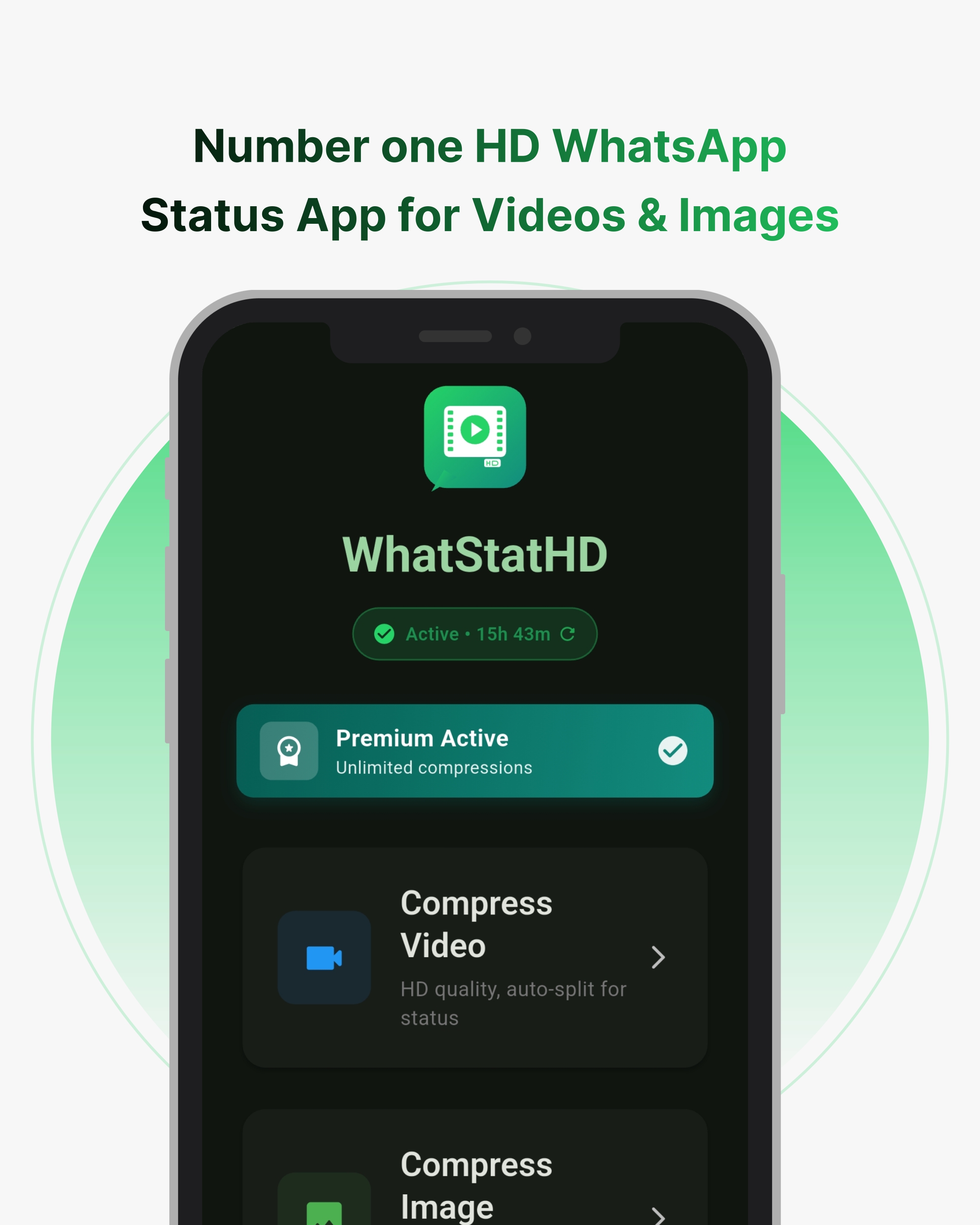
WhatStatHD adalah WhatsApp Status Maker terbaik untuk video dan gambar. Kompres foto dan video Anda ke kualitas HD, tambahkan musik ke video WhatsApp Status, dan bagikan konten menakjubkan. HD WhatsApp Status App kami memastikan pembaruan status Anda terlihat profesional dan sejernih kristal di setiap perangkat. Baik Anda ingin berbagi foto HD atau membuat status video menarik dengan musik, WhatStatHD siap membantu Anda.
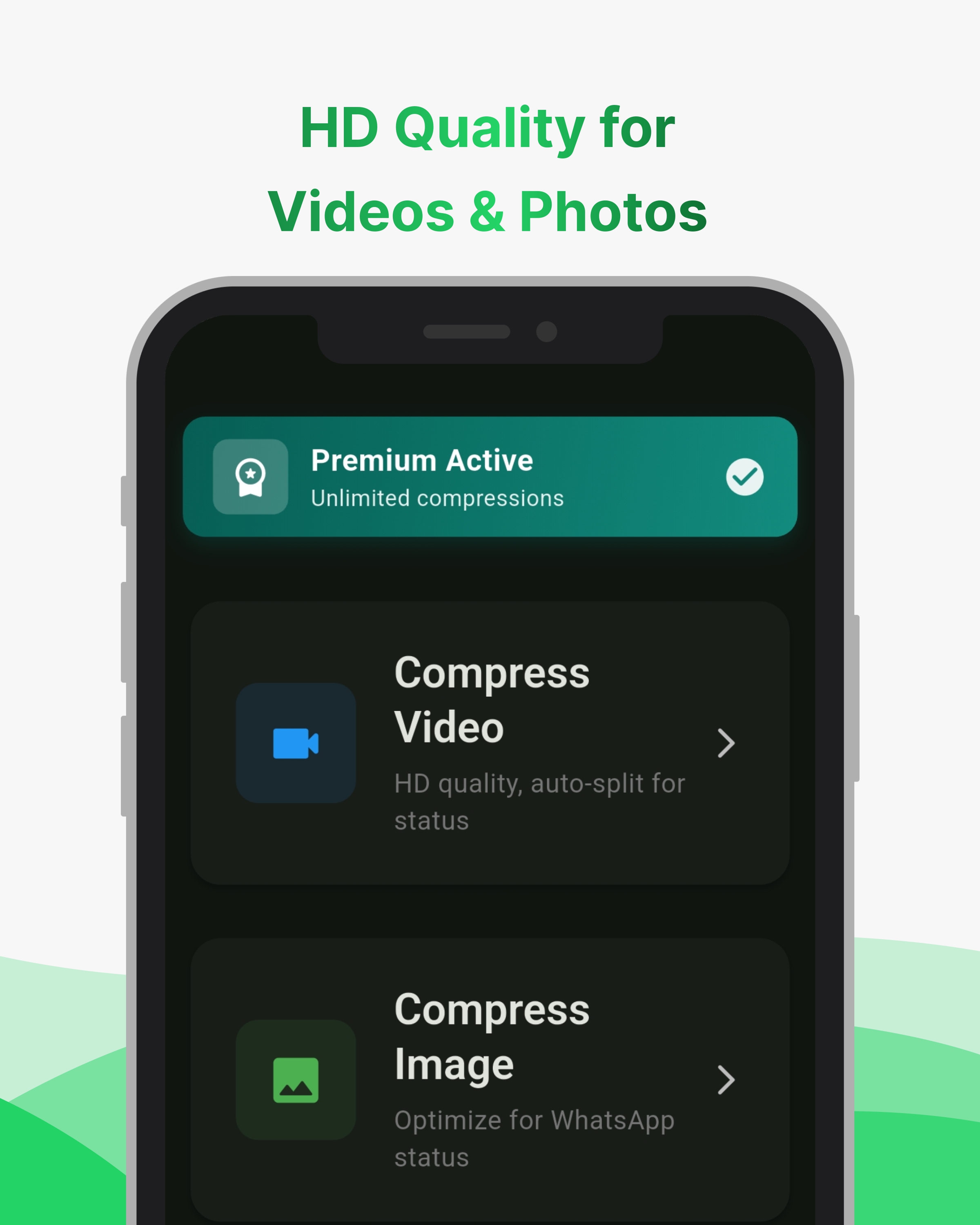
Alat terbaik untuk berbagi video dan gambar berkualitas tinggi di WhatsApp Status
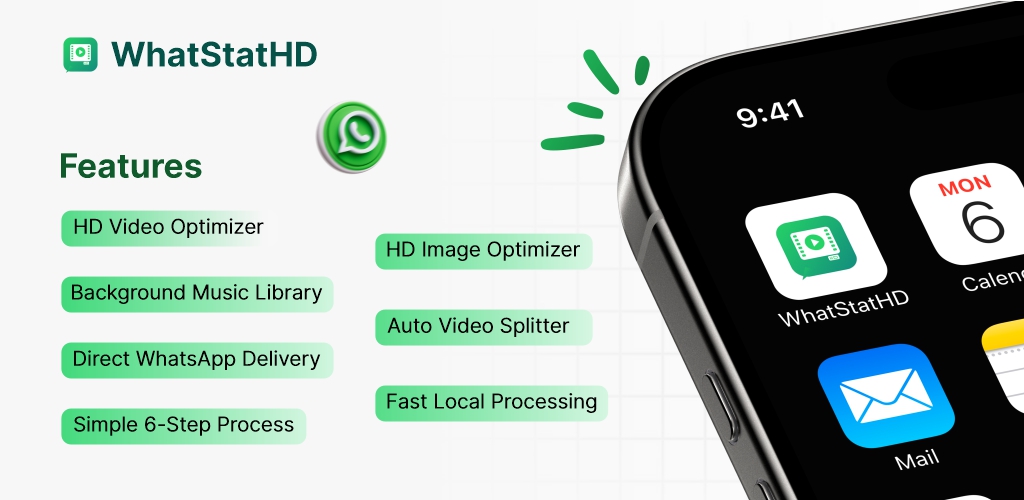
Optimalkan video dan foto ke kualitas HD untuk pembaruan WhatsApp Status sejernih kristal
Cari dan tambahkan musik latar ke video status Anda dari perpustakaan musik bebas royalti
Video berdurasi panjang secara otomatis dibagi menjadi klip berdurasi 30 detik untuk pengunggahan status yang lancar
Kompresi cerdas menjaga kualitas HD untuk video dan gambar sekaligus menyesuaikan batas WhatsApp
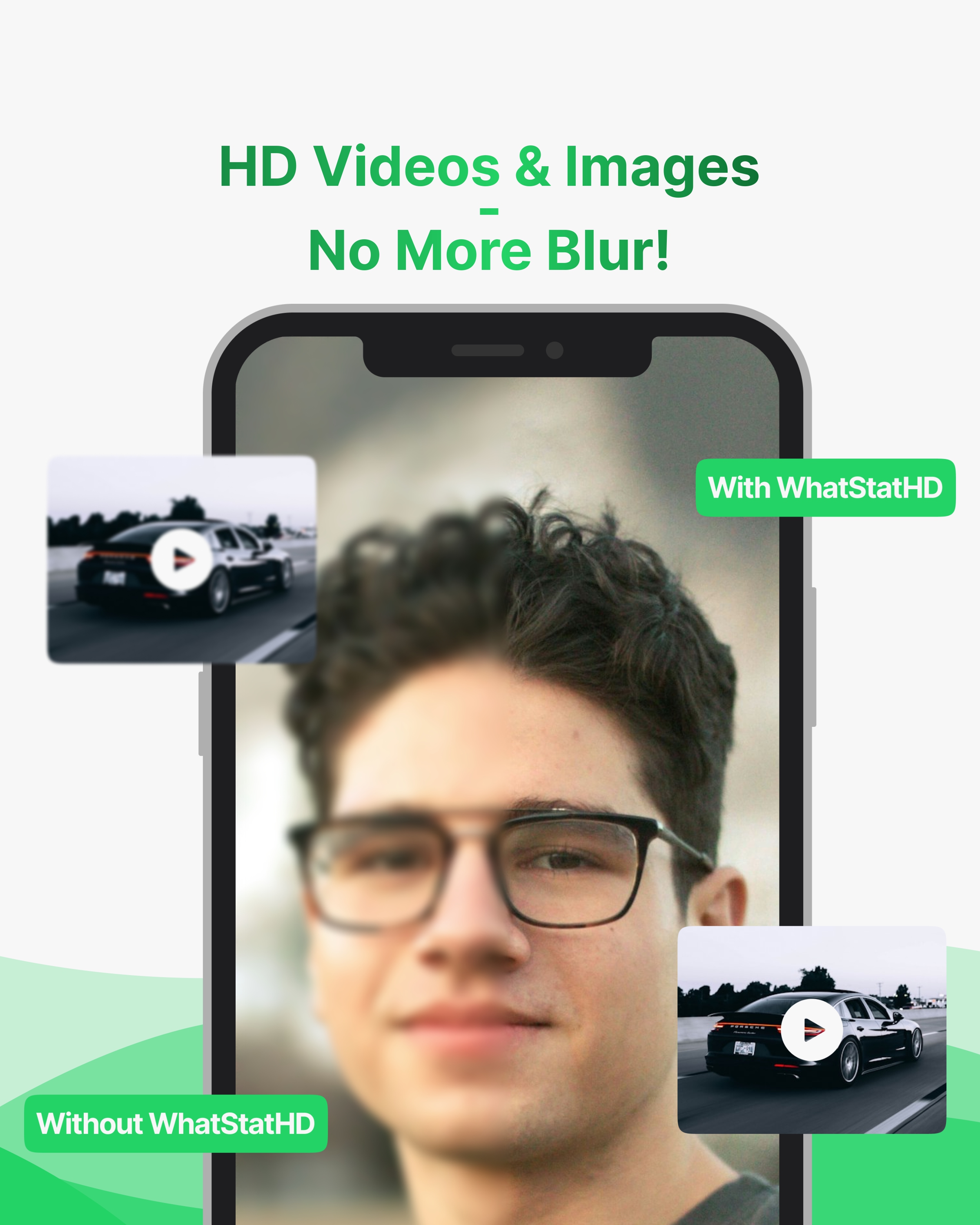
Berhenti membagikan pembaruan WhatsApp Status yang buram. WhatStatHD mengoptimalkan video dan foto Anda sehingga tetap sebening kristal dalam kualitas HD. Lihat perbedaannya secara instan — media yang tajam dan hidup yang terlihat persis seperti yang Anda inginkan. Dengan WhatStatHD, status Anda menonjol.
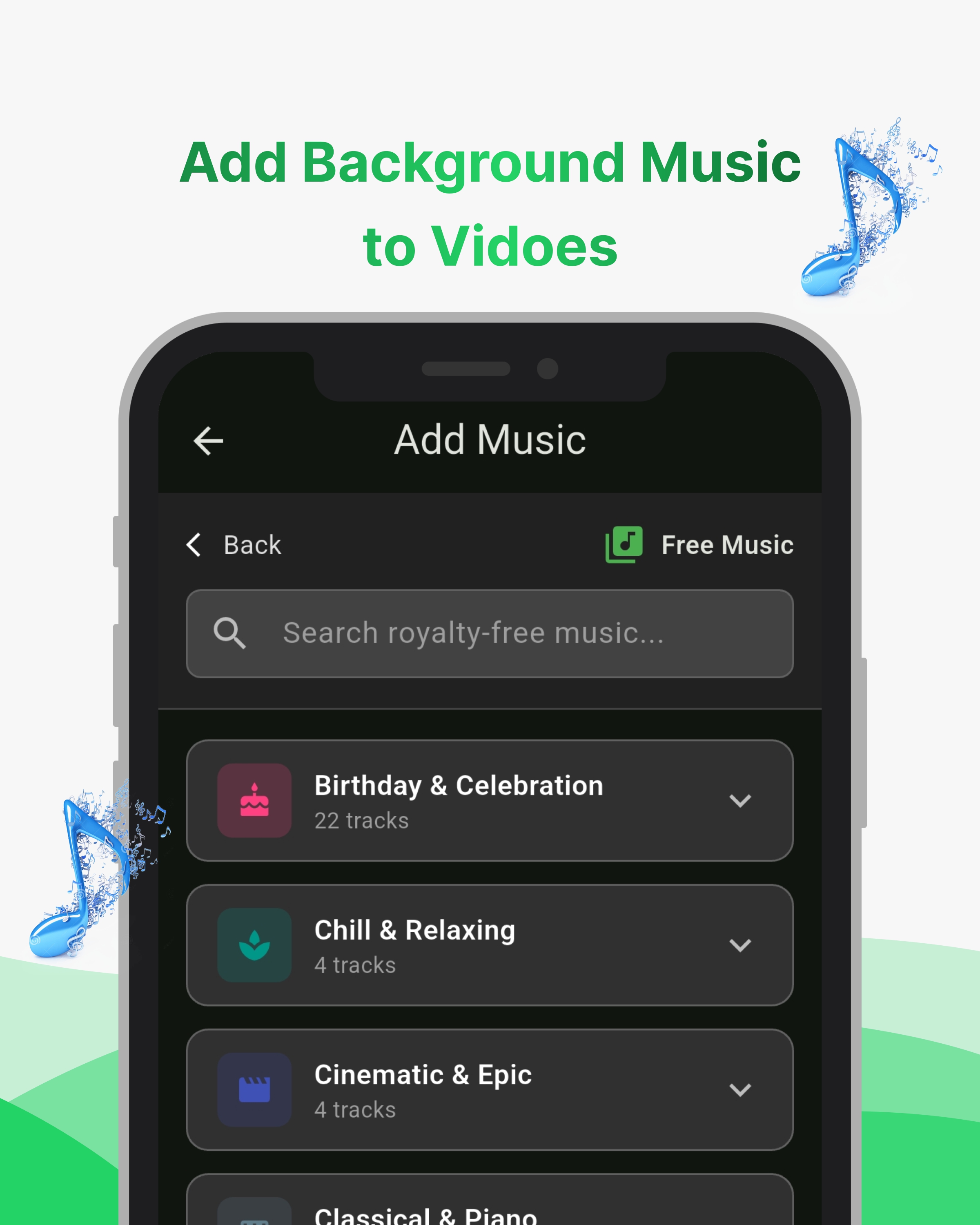
Jadikan video WhatsApp Status Anda lebih menarik dengan musik latar . Telusuri kategori seperti Ulang Tahun, Dingin, Sinematik, dan banyak lagi. Telusuri dari perpustakaan lagu bebas royalti, pilih lagu yang tepat, dan pangkas agar sesuai dengan video Anda.
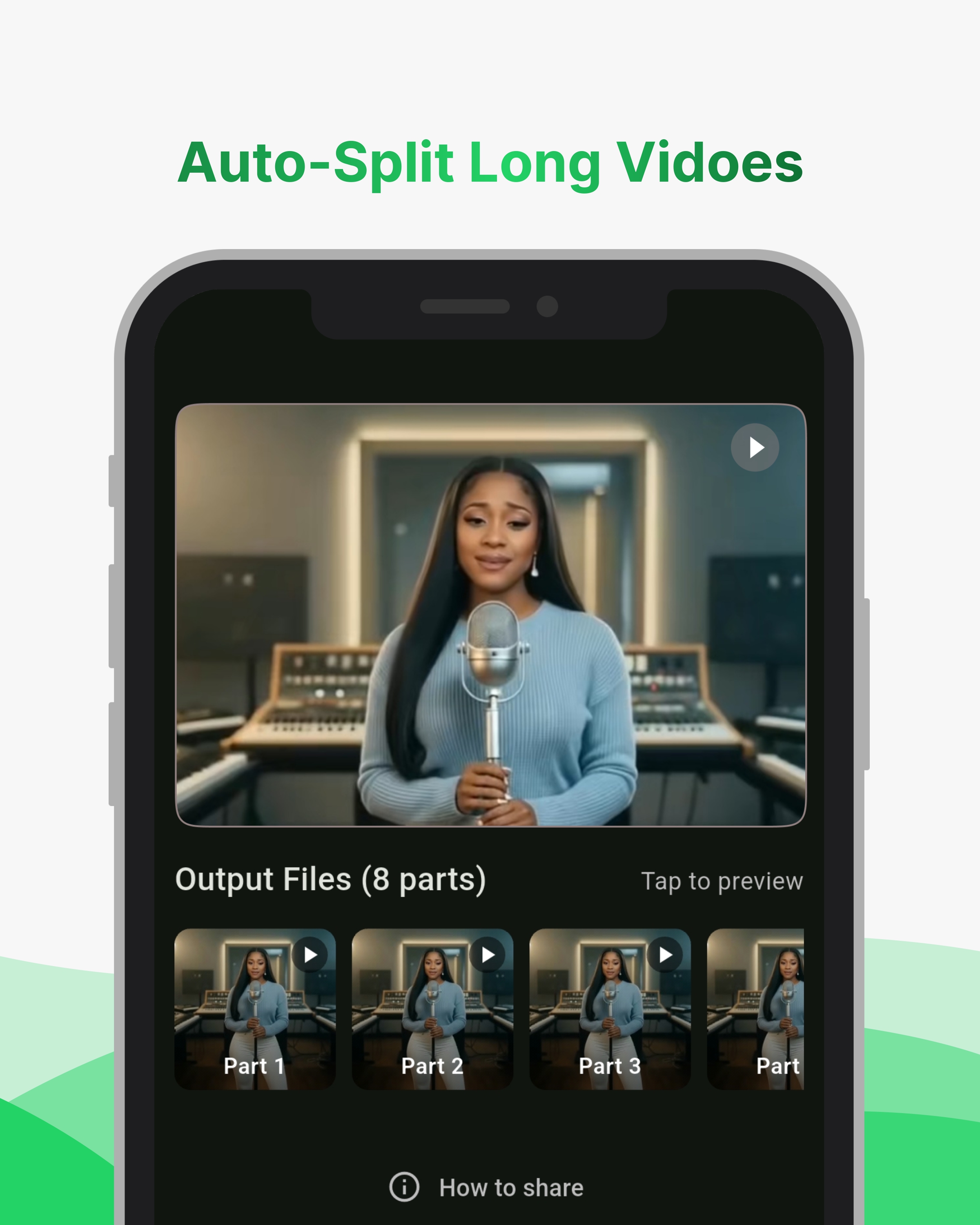
Punya video panjang? Tidak masalah. WhatStatHD secara otomatis membagi video panjang menjadi klip HD, berukuran sempurna untuk WhatsApp Status. Setiap bagian diberi nomor dan dioptimalkan, siap diposting secara berurutan. Tidak diperlukan pemangkasan manual.
6 langkah sederhana untuk status HD dengan WhatStatHD
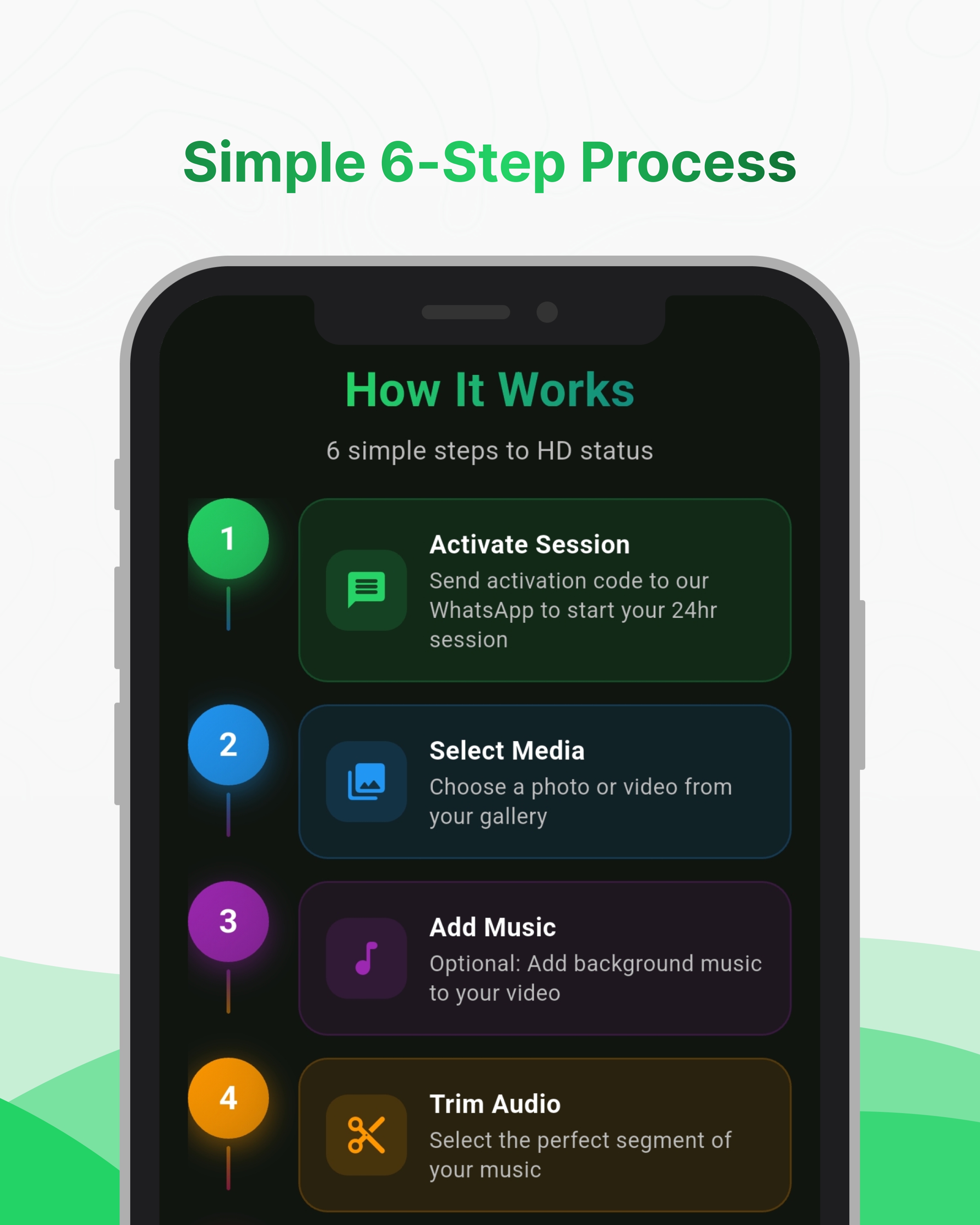
Kirim kode aktivasi ke nomor WhatsApp kami untuk memulai sesi pengiriman 24 jam Anda
Pilih video atau foto dari galeri Anda yang ingin Anda kompres untuk WhatsApp Status
Secara opsional, cari dan tambahkan musik latar dari perpustakaan musik bebas royalti ke video Anda
Pilih segmen 30 detik yang sempurna dari trek musik pilihan Anda
Ketuk kompres dan lihat media Anda dioptimalkan untuk kualitas HD di WhatsApp
Media HD Anda dikirim langsung ke WhatsApp, siap diteruskan ke Status Anda!
Dapatkan hasil maksimal dari WhatStatHD
Lakukan semua pengeditan terlebih dahulu, lalu kompres untuk hasil terbaik
Memotong atau mengedit setelah kompresi mengurangi kualitas
Gunakan foto & video yang diambil di perangkat Anda
Media dari WhatsApp sudah dikompresi
Input berkualitas lebih tinggi = output status lebih baik
Media buram tetap buram setelah diproses
Rasio aspek 9:16 menampilkan status terbaik
WhatsApp memangkas media horizontal dengan lebih agresif
Penting: WhatStatHD menjaga kualitas selama kompresi WhatsApp. Hal ini tidak dapat menyempurnakan media yang sudah berkualitas rendah.
Unduh WhatStatHD sekarang dan mulailah berbagi pembaruan status sejernih kristal